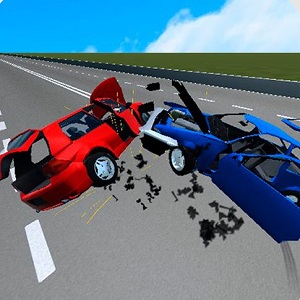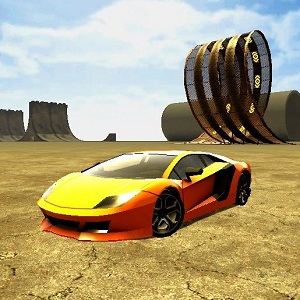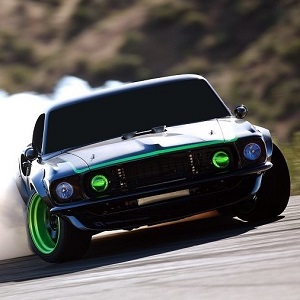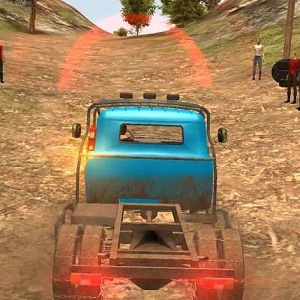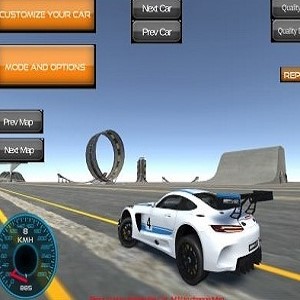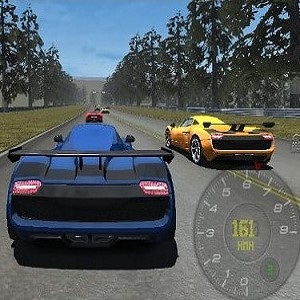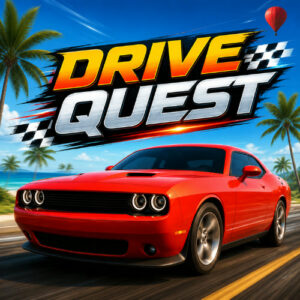



Drive Quest is an open-world driving game about cruising long highways, exploring city streets and ports, and hunting down drift, stunt and speed challenges in cars you can tune. It runs on HTML5 inside a browser on desktop, tablet or mobile, with nothing to install and no download before you get behind the wheel.
What Drive Quest Actually Is
A huge map is the real star here, more than any single car. Free roam lets you grab something from the garage and simply drive, no timer, no route, no pressure. Wander far enough and you run into ports, back roads and tucked-away zones that the map never points you toward. Cash and points land in your account for stylish driving, so a clean slide through a corner or a long jump off a ramp pays better than grinding down a straight. The open world is where the whole thing settles into a comfortable rhythm, and it is the part I keep coming back to.
Challenge Modes and the Money They Bring
Free roam pays out, but the challenge modes are where the game asks for something specific. Drift events score controlled slides through corners. Checkpoint runs put a clock on the screen and a chain of gates on the road. Stunt challenges want big air and clean landings. Radar zones check your speed as you pass through them. Object destruction hands you targets and lets the physics handle the rest. Everything feeds the same wallet, so even a rough drift session still funds a new paint job or a set of rims. Earning takes a while early on, mostly because every car in the shop looks tempting. The handling leans arcade, which suits the map, since you can throw a car into a corner, hold the handbrake and come out the other side without much drama.
Tuning and Customization
Every vehicle in the garage can be reworked. Paint, rims, tires, window tint, wraps, suspension height and camber all sit in the menu, so the same model rarely looks the same twice. Money comes from driving rather than waiting on a timer, and most of the spending is cosmetic plus tuning, so this never turns into a stat grind. For a game that is happy to let you tour instead of compete, that is the right call.
How It Looks and Runs
Drive Quest launched on September 17, 2025 and holds a 9.5 rating from 58 votes. That score is impressive for a browser game, and it lines up with how smooth the driving feels. HTML5 does the heavy lifting, so one build covers desktop, tablet and mobile instead of separate versions. Browser play also means no install, which fits a game built for short sessions as much as long ones.
Controls on Keyboard and Touch
On a computer, the keyboard does all the work. Steering sits on the A and D keys or the left and right arrows, gas and brake on W and S or the up and down arrows. The Spacebar is the handbrake and the fastest way into a drift. C cycles the camera, R resets a flipped car, H honks the horn and L switches the headlights on for night runs. On a phone or tablet, on-screen buttons replace the keyboard, and tilt steering through the gyroscope is there for anyone who prefers it.
- W or Up arrow: accelerate
- S or Down arrow: brake and reverse
- A and D or Left and Right arrow: steer
- Spacebar: handbrake for slides
- C: change camera view
- R: reset the car onto the road
- H: horn
- L: headlights
- Touch controls: on-screen pedals and steering, or tilt with the gyroscope
Games Worth Trying After This One
- Drift Hunters
- Madalin Stunt Cars 2
- Moto X3M
- Burnout Drift
- Traffic Tour