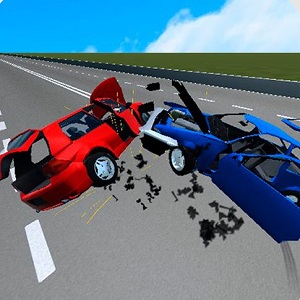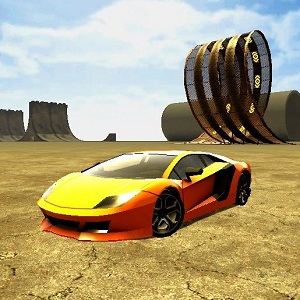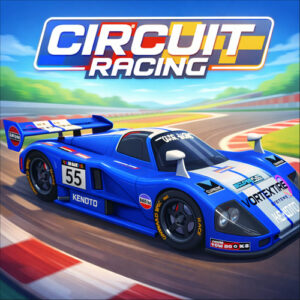







Circuit Racing is an arcade racing game that runs in the browser. You type a name on the start screen, pick a closed asphalt track, and battle AI drivers over short lap events. It is free to play with no download, so getting to the grid takes seconds.
Tracks, Name Entry and the Grid
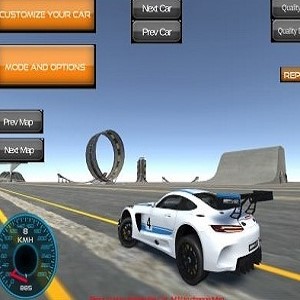
Everything here happens on closed circuits that loop back on themselves, and each event is short enough to finish in one sitting. There is no garage to manage and no career mode to grind through. You choose a track such as BrisMotorSpeedway and line up on the grid with the AI field. The camera can sit behind the car or inside the cockpit, and switching between the two helps when a corner is hard to read. Handling stays consistent across tracks, so whatever you learn on one circuit carries over to the next.
Circuit, Checkpoint and Drift Events
The track list is split into a few event styles. Standard circuit races are straightforward lap battles against the pack. Checkpoint events push you to reach gates before the clock runs out, which changes how hard you attack each corner. Drift events lean on sideways slides and reward players who can hold a slide without spinning. Some events are open from the start while others keep a padlock until you make progress, giving the mode list a light sense of advancement without ever turning into a grind.
What Happens Between the Start Line and the Finish
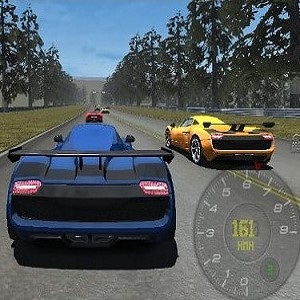
Races run for a fixed number of laps. You launch from a standstill, follow the racing line, and work past opponents while keeping the car on the asphalt. Corners decide most results, so braking early and easing back onto the throttle matters far more than raw top speed down the straights. A small display tracks gear, speed, and lap progress, while checkpoints and track boundaries keep you honest. When the final lap ends, the positions settle and you drop back to the menu. Losing a place on the last corner stings, but the next race is only a few clicks away.
Keyboard and Touch Controls
Everything you need sits on a handful of keys. W, A, S, D or the arrow keys handle accelerating, braking, and steering, with Space acting as the handbrake for tighter turns. Press V to cycle the camera, and when automatic shifting is switched off, Shift or C takes care of the gear changes. Steering responds continuously rather than in steps, so a short tap nudges the car while a longer hold bites hard into a corner. Phones and tablets swap the keyboard for touch controls.
Playing Without Installing Anything
Circuit Racing is a browser racing game built with HTML5, so it opens on desktop, tablet, and mobile with no account required before the first race. Load the page, give the assets a moment, and you can head straight out onto the track. The bottom bar holds a fullscreen button if you want a wider view of the circuit, and your chosen name stays with you for the whole session.
Small Habits for Cleaner Corners
Smooth inputs beat aggressive ones almost every time. Get the braking done before the corner and ease back onto the throttle through the exit, because a car that stays settled carries more speed onto the next straight than one that is constantly corrected. The handbrake is useful on tight hairpins, though it scrubs momentum, so keep it for corners that genuinely need the rotation. Automatic shifting is fine while you learn the layout of a track. Once the corners feel familiar, manual gears give you more control over how the car leaves them, and a camera change can help when the chase view makes an upcoming turn hard to read.